

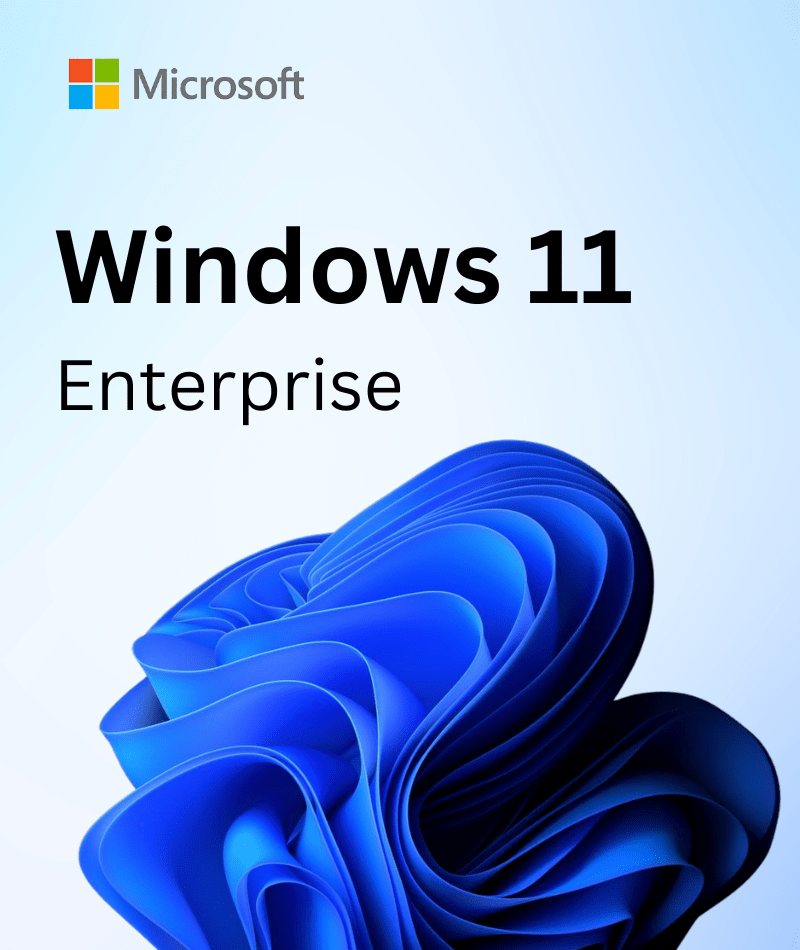
Windows 11 Enterprise is designed for large organizations, enterprises, and IT professionals. It delivers advanced security, centralized management, better collaboration, and improved productivity. Windows 11 25H2 comes with new capabilities, advanced compliance tools, and powerful deployment features, powering complex IT infrastructure and enterprise needs. Buy Windows 11 Enterprise from Softkeyworld at an unbeatable price and experience a flexible and secure workplace for enterprises.
What is Windows 11 Enterprise?
Windows 11 Enterprise is a version of the Windows 11 OS designed for a hybrid workflow. This version provides powerful security, collaboration, and productivity, along with all the features of Windows 11 Pro.
- Windows 11 Enterprise offers hardware-based protection from the chip to the cloud. This robust security feature is particularly crucial during scenarios such as remote onboarding, where the risk of firmware attacks is heightened. By securing devices at every layer, from hardware to applications, enterprises can ensure that sensitive data remains protected even when employees are working from disparate locations.
- Deliver a simplified and strong user experience.
- Ensure deeper integration through enhanced collaboration and communication applications.
Key Features of Windows 11 Enterprise
A modern business should rely on a secure, productive, and flexible operating system to accelerate its growth and performance. Windows 11 Enterprise includes multiple key features to gear up enterprise workloads. Let’s discuss them:
New User Interface
Windows 11 Enterprise has a new and intuitive user interface that changes the overall appearance and feel. With the centered taskbar and Start Menu, IT professionals of an enterprise can customize the taskbar and menu based on their organizational needs.
Modern Widgets
Previously, arranging desktops in Windows required manual setup and lacked flexibility. Now, Microsoft has added modern widgets that offer quick access to any content with just a click. This allows users to create and personalize virtual desktops for specific tasks more efficiently. With the Snap Assist feature, users can easily organize and access applications for better management. Additionally, Auto HDR in Windows 11 delivers high dynamic range (HDR) to optimize the display.
Advanced Management Tools
Windows 11 Enterprise includes advanced management tools, such as Windows Autopilot and Group Policy, to simplify device deployments and device management. Also, it includes Microsoft Intune to help a hybrid and remote workforce. Azure Active Directory, now called Microsoft Entra ID, offers secure access management. It provides strong authentication for apps and resources.
Powerful Security Features
Windows 11 includes powerful security features for providing a protected workplace for enterprises and organizations. With BitLocker for data protection, Credential Guard, and other features, organizations protect sensitive data from unauthorized access or data theft, hardware security, virtualized-based security, and so on. Moreover, Microsoft keeps enterprise data secure through robust protection, including:
- Microsoft Defender Firewall
- Windows Defender Exploit Guard
- Windows Information Protection
- Windows Hello for Business
Better Virtualization Support
Windows 11 Enterprise provides full virtualization support for enterprise-grade users. It includes Windows Sandbox that offers a lightweight and isolated desktop environment that runs applications securely. Using hypervisor-based virtualization, installed apps in Windows Sandbox remain isolated from the host machine, and users can test, debug, and explore unknown files with it. Moreover, the Enterprise version includes AppLocker that efficiently controls various applications.
Enhance Communication Feature
Microsoft includes Microsoft Teams, replacing Skype for better communication environments. Users can directly access Teams through the taskbars, then communicate via chats, audio, or video calls. However, by using Windows 11 Enterprise, organizations can improve their efficiency and productivity to high level.
How does Windows 11 Enterprise Boost Productivity?
- Multitasking Capabilities: Windows 11 includes features, such as Snap Layouts and Snap Groups, that help to organize the workspace effectively.
- Integration with Microsoft 365: The Windows OS version integrates seamlessly with Microsoft 365 that delivers access to Microsoft Teams and OneDrive for better collaboration and communication.
- AI capabilities: Windows 11 Enterprise contains Microsoft Copilot, which helps users to draft documents, simplify workflows, and gain deeper insights into the data. For example, imagine a team meeting where notes are flying fast and ideas even faster. With Copilot, summarizing meeting notes becomes effortless, turning chaotic scribbles into organized summaries, freeing up valuable time for more strategic tasks.
What is The Difference Between Windows 11 Home, Pro, and Enterprise?
Windows 11 released multiple editions to meet different users’ needs. Here you can see a comparison of the differences between Windows 11 Pro, Enterprise and Home:
Features | Windows 11 Home | Windows 11 Pro | Windows 11 Enterprise |
Built for | Home and casual users | Small to medium-sized business | Large enterprises and organization |
Device management | Basic device settings | Group Policy, Mobile Device Management | Windows Autopilot, Azure Active Directory Integration |
Security features | Standard Windows security | BitLocker, Windows Information Protection | Application Guard, Credential Guard, Virtualization-Based Security |
Virtualization benefits | Not available | Hyper-V, Windows Sandbox | Full Virtualization Support for Enterprise Environments |
License Types | One-time purchase | One-time purchase or volume license | Subscription-based via Microsoft 365 Enterprise plans |
Deployment options | Basic deployment tools | Advanced deployment tools | Enterprise-grade deployment tools |
Hybrid Work Support | Yes | Moderate | Extensive support |
Why Buy Software and License Keys from Softkeyworld?
- Get only genuine product keys from Softkeyworld at competitive prices.
- Receive your product key instantly within minutes after completing your purchase.
- Secure payment options via Bank Transfers, Visa, Stripe, Credit Cards, PayPal, and more.
- Get the invoice of purchase to claim the official warranty.
- Our dedicated team is always available to assist you with free technical support 24/7
Buy Windows 11 Enterprise today and experience a better operating system built for efficiency, security, and long-term performance!
System Requirements
Keep the following system requirements to experience a faster installation and performance:
Processor: 1 gigahertz or faster with 2 cores or more
RAM: 4 GB or more
Storage: 64 GB or larger storage device
System Firmware: UEFI secure boot capable
TPM: Trusted Platform Module version 2.0
Graphics Card: DirectX 12 or higher with WDDM 2.0 driver
Display: HD display larger than 9” diagonally and 8 bits per color channel
FAQs
1. How can businesses transition to Windows 11 Enterprise?
There are multiple ways a business can transition to Windows 11 Enterprise. These are:
- Buy a Windows 11 Enterprise license to upgrade for the transition.
- Deploy via Microsoft Endpoint Manager for a simplified deployment.
- Hybrid Environments: It offers on-premises and cloud-based solutions for flexible transitions.
2. How can I buy a Windows 11 Enterprise license key?
Windows 11 Enterprise is available through a subscription-based license and can be purchased through the following options:
- Per-User License: This license is ideal for an organization where employees use multiple devices.
- Per-Device License: Ideal for enterprises where users share devices.
- Volume License: The volume license is available for larger organizations through Microsoft enterprise agreements.