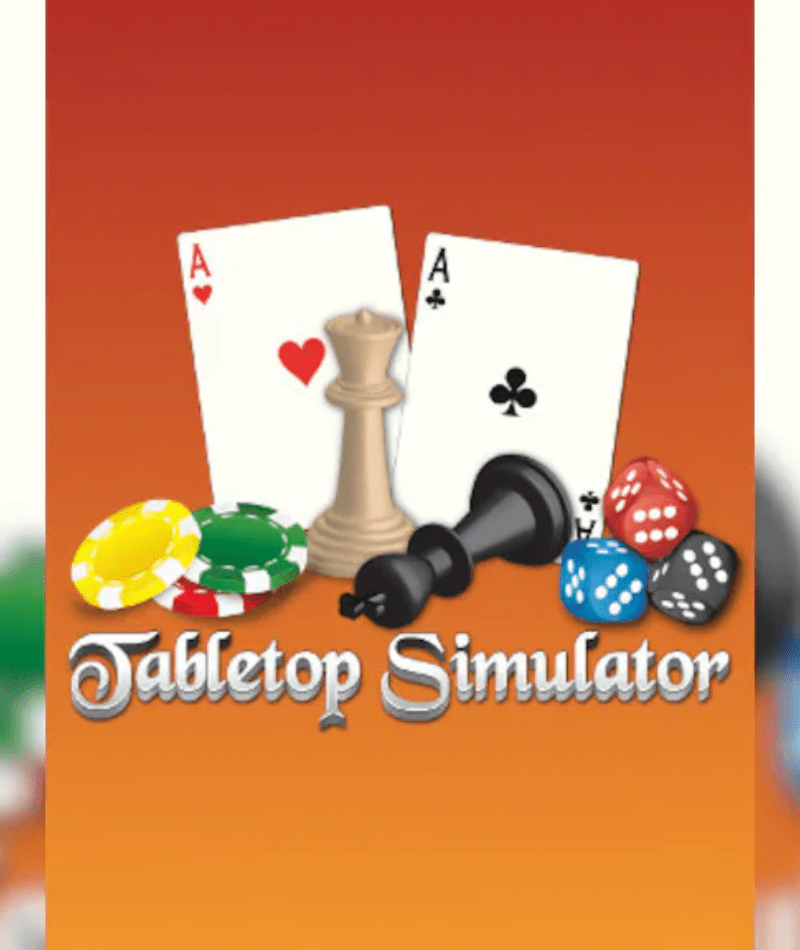
Bring Your Favorite Board Games to the Digital Table
Experience the ultimate virtual tabletop with Tabletop Simulator. Designed for creativity and multiplayer fun, this unique sandbox platform allows you to play, create, and share a wide variety of board games, card games, and tabletop experiences online.
Key Features
- Unlimited Tabletop Games: Play classic board games, card games, and custom creations
- Sandbox Game Creation: Design your own games using powerful built-in tools
- Online Multiplayer: Play with friends or join communities around the world
- Steam Workshop Support: Access thousands of community-created games and assets
- Physics-Based Interaction: Realistic object handling and gameplay mechanics
- VR Support Available: Experience tabletop gaming in virtual reality
Tabletop Simulator PC Game Details
- Platform: Steam
- Edition: Standard
- Region: GLOBAL
- Delivery: Instant via email
- Activation: Online
- Genre: Simulation, Sandbox, Board Game
- Developer & Publisher: Berserk Games
About the game
Tabletop Simulator recreates the social experience of tabletop gaming in a digital environment. Whether you’re playing classic games like chess, poker, or custom board games, the platform gives you complete freedom to set up and play exactly the way you want.
The sandbox nature of the game means you’re not limited to pre-made content. You can create your own rules, import custom assets, and build entirely new tabletop experiences. The Steam Workshop further expands the possibilities with thousands of community-created games.
Whether you want to enjoy casual board games with friends or design your own tabletop universe, Tabletop Simulator offers a flexible and endlessly creative platform.
System Requirements for Tabletop Simulator PC
Minimum:
OS: Windows 7 / 8 / 10 (64-bit)
Processor: Intel Core 2 Duo E8400
RAM: 4 GB
Graphics: NVIDIA GTX 460 / AMD Radeon HD 5770
Storage: 3 GB available space
Recommended:
OS: Windows 10 / 11 (64-bit)
Processor: Intel Core i5 or better
RAM: 8 GB
Graphics: NVIDIA GTX 960 / AMD equivalent
Storage: 3 GB available space
How to Activate Your Key (Steam)
- Download and install Steam
- Log in or create your account
- Click “Add a Game” and “Activate a Product on Steam.”
- Enter your Steam key and confirm
- Download and start playing
Why Buy Game CD Keys from Softkeyworld
- 100% genuine and verified keys
- direct download, installation & activation guide
- Instant delivery (24/7 automated system)
- Competitive pricing in the market
- Secure checkout
- Dedicated customer support
FAQs
1. Does Tabletop Simulator include specific board games?
The base game includes several classic games, and many more are available through the Steam Workshop.
2. Can I create my own board games?
Yes, the sandbox tools allow you to design and import your own custom tabletop games.
3. Do all players need the game to join a session?
Yes, each participant needs their own copy of Tabletop Simulator to join multiplayer sessions.
4. Is VR required to play the game?
No, VR support is optional. The game works perfectly in standard PC mode.