
Zoom
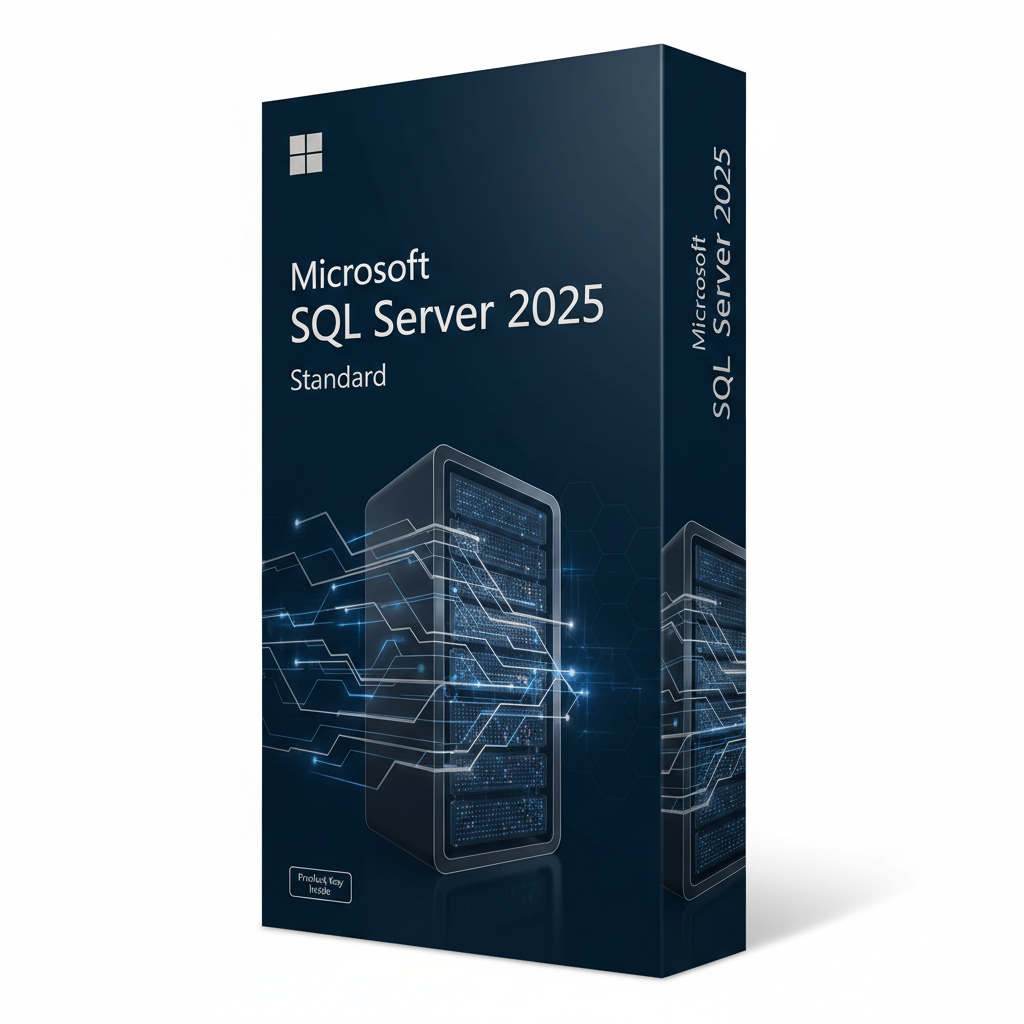
Microsoft SQL Server 2025 Standard is Microsoft's mid-tier edition of its relational database engine, released to general availability on 18 November 2025 as version 17.x. This listing covers Standard edition Client Access Licences (CALs) in packs of 2 to 100, delivered digitally by email. Choose the CAL count that matches the users or devices connecting to your server.
| Product | Microsoft SQL Server 2025 Standard – CAL licensing |
| Edition | Standard |
| Version | SQL Server 2025 (17.x), database compatibility level 170 |
| CAL options | 2, 5, 10, 20, 50 or 100 (User CAL or Device CAL) |
| Platforms | Windows Server, Linux and container deployments |
| Delivery | Digital – licence details and download guidance sent by email |
| Language | Multilingual |
| Support | Installation help from support@softkeyworld.com |
A User CAL licenses one named person to access the server from any number of devices. A Device CAL licenses one device that any number of people may use. The cheaper option depends on your ratio: more devices than people means User CALs; more people than devices — shift work, shared terminals, a warehouse floor — means Device CALs.
The reasoning matters because the choice is made per deployment, not per user. A ten-person office where everyone has a laptop and a phone that both query the database needs ten User CALs rather than twenty Device CALs.
A common issue we see is buyers counting only staff who open a reporting dashboard, and forgetting that application servers and integrations connecting on a user's behalf are also counted under the Server + CAL model.
Count every distinct user or device that accesses the SQL Server instance, directly or through an application. Under the Server + CAL model you need the server licence plus one CAL for each of those users or devices. Multiplexing — pooling connections through middleware — does not reduce the CAL count.
| CAL pack | Typical fit | Example scenario |
|---|---|---|
| 2 CAL | Test / very small setup | A developer and one app service account |
| 5 CAL | Micro business | Small accounts or ERP back end |
| 10–20 CAL | Small business | One office running a line-of-business application |
| 50–100 CAL | Mid-sized organisation | Multi-department deployment or several branch sites |
If your database is reachable by anonymous external users — a public website, for example — Server + CAL is usually the wrong model and per-core licensing applies instead. Message us before ordering if that describes your setup.
SQL Server 2025 is the first release to build AI features into the engine itself. Standard edition also gained headroom: resource limits rose to 32 cores and 256 GB of memory, up from the previous generation's ceiling, which removes a common reason for upgrading to Enterprise.
The nuance most upgrade guides skip: several 2025 features are generally available in the engine but still gated behind the PREVIEW_FEATURES database-scoped configuration. Microsoft does not recommend enabling those in production, so plan a proof of concept before depending on them.
Choose Standard if your workload fits inside 32 cores and 256 GB of memory and you do not need unlimited-scale high availability. Choose Enterprise when you need capacity beyond those limits, multiple readable secondary replicas, or the full advanced availability feature set. Most small and mid-sized deployments fit comfortably in Standard.
| Consideration | Standard | Enterprise |
|---|---|---|
| Compute limit | Up to 32 cores | Operating system maximum |
| Memory limit | Up to 256 GB | Operating system maximum |
| Licensing models | Server + CAL or per core | Per core |
| Best for | SMBs, departmental and branch databases | Large-scale, high-availability workloads |
Upgrading in place is supported from SQL Server 2016 SP2 and later. In practice the host operating system is often the blocker, so a side-by-side migration with backup and restore onto a newer Windows Server build is the usual route.
Choose your CAL pack and order now
Yes. SQL Server 2025 reached general availability on 18 November 2025, and the GA build is the first one licensed for production use. The earlier 2025 builds released during the public preview were intended for evaluation and testing only.
This listing is for Standard edition Client Access Licences in the pack size you select. Under the Server + CAL model a server licence is also required for the machine running the instance. If you need both, contact us before ordering and we will confirm the correct combination for your deployment.
Generally yes — CALs are typically usable with the matching or earlier server versions, since a newer CAL covers access to older releases. Downgrade and version-matching rights vary by agreement type and region, so check your own licence terms or ask us before mixing versions.
Electronically. After payment clears, your licence details and installation guidance are emailed to the address on your order — usually within a short window during business hours. Nothing is shipped physically.
SQL Server licences are not tied to hardware in the way consumer Windows digital entitlements are, so replacing hardware does not normally invalidate the licence. Reassignment rules between servers do apply under Microsoft's licensing terms, so review those before moving a licence to a different machine.
Most setup-time key errors turn out to be an edition mismatch — a Standard key entered into Enterprise or Developer media — rather than a faulty key. Confirm you downloaded the correct edition, then email support@softkeyworld.com with a screenshot of the error and we will help you resolve it.
Laatst bijgewerkt: juni 2026
Bij Softkeyworld, wij verkopen 100% digitale producten — softwarelicentiesleutels, activeringscodes en digitale serienummers. Er is geen fysieke verzending betrokken. Alle bestellingen worden direct en veilig naar uw e-mailadres verzonden, 24 uur per dag, 7 dagen per week.
Geen wachttijd. Geen verzendkosten. Geen fysiek pakket.
Je licentiesleutel ontvang je binnen enkele minuten na betaling in je inbox.
Zodra uw betaling succesvol is geverifieerd, gebeurt het volgende:
Het overgrote deel van de bestellingen wordt bezorgd. direct of binnen enkele minutenHieronder vindt u onze standaard levertijden:
| Besteltype | Leveringsmethode | Geschatte tijd |
|---|---|---|
| Standaard digitale bestelling | Direct – 5 minuten | |
| Bestellingen in afwachting van betalingsverificatie | Tot 1 uur | |
| Bestellingen gemarkeerd voor handmatige controle | Tot 24 uur | |
| Niet-geleverde/ondersteuningsgevallen | E-mailondersteuning | Reactie binnen 24-48 uur. |
Softkeyworld is een 100% digitale winkelHoud rekening met het volgende:
Je product wordt rechtstreeks naar het e-mailadres gestuurd dat je bij het afrekenen hebt opgegeven. De leveringsmail bevat:
Zorg ervoor dat u uw e-mailadres correct invult tijdens het afrekenen. Softkeyworld Ltd is niet verantwoordelijk voor niet-levering als gevolg van een onjuist e-mailadres.
In sommige gevallen kan onze leveringsbevestiging door uw e-mailprovider worden gefilterd. Als u uw sleutel niet binnen 5 minuten in uw inbox ziet, neem dan contact met ons op. Controleer je spam- of ongewenste e-mailmap.Om ervoor te zorgen dat toekomstige e-mails in uw inbox terechtkomen, voegt u dit toe. support@softkeyworld.com naar je e-mailcontacten of lijst met veilige afzenders.
Digitale levering is altijd VRIJBij Softkeyworld zijn er geen verzendkosten, administratiekosten of verborgen kosten verbonden aan uw bestelling. De prijs die bij het afrekenen wordt weergegeven, is het uiteindelijke totaalbedrag.
Omdat al onze producten digitaal via e-mail worden geleverd, kunnen we klanten optimaal van dienst zijn. waar ook ter wereldEr zijn geen geografische beperkingen voor de levering: of u nu in het Verenigd Koninkrijk, Europa, Noord- en Zuid-Amerika, Azië of waar dan ook bent, uw sleutel arriveert net zo snel in uw inbox.
Houd er rekening mee dat sommige softwareproducten mogelijk regionale activeringsbeperkingen Opgelegd door de softwarefabrikant. Controleer altijd de productbeschrijving vóór aankoop om er zeker van te zijn dat het product compatibel is met uw regio.
Als u uw licentiesleutel niet binnen [tijd] heeft ontvangen 24 uur Volg deze stappen om uw bestelling te plaatsen:
📧 E-mail: support@softkeyworld.com
🕐 Reactietijd: Binnen 24-48 uur
Ons supportteam staat klaar om u te helpen met al uw vragen over de levering:
© 2026 Softkeyworld Ltd — Bedrijfsnummer 13321373 — Geregistreerd in Engeland en Wales
Wishlist is empty.

